Adding a deepfake or vishing scenario
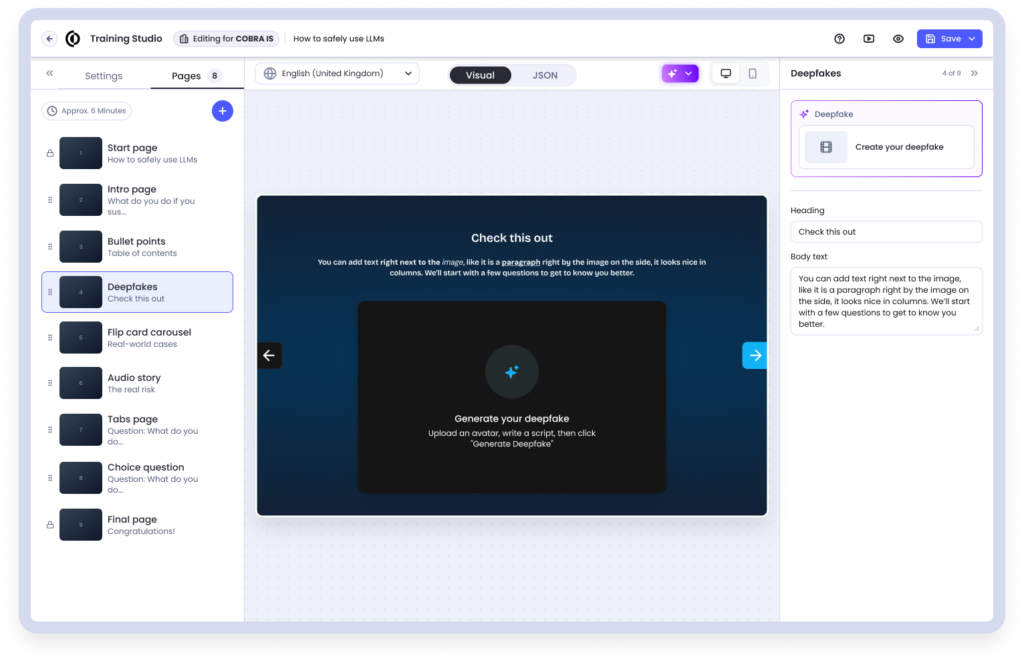
To include a simulated deepfake video or vishing (AI voice) scenario in your module:
- Add a new scenario page within the module.
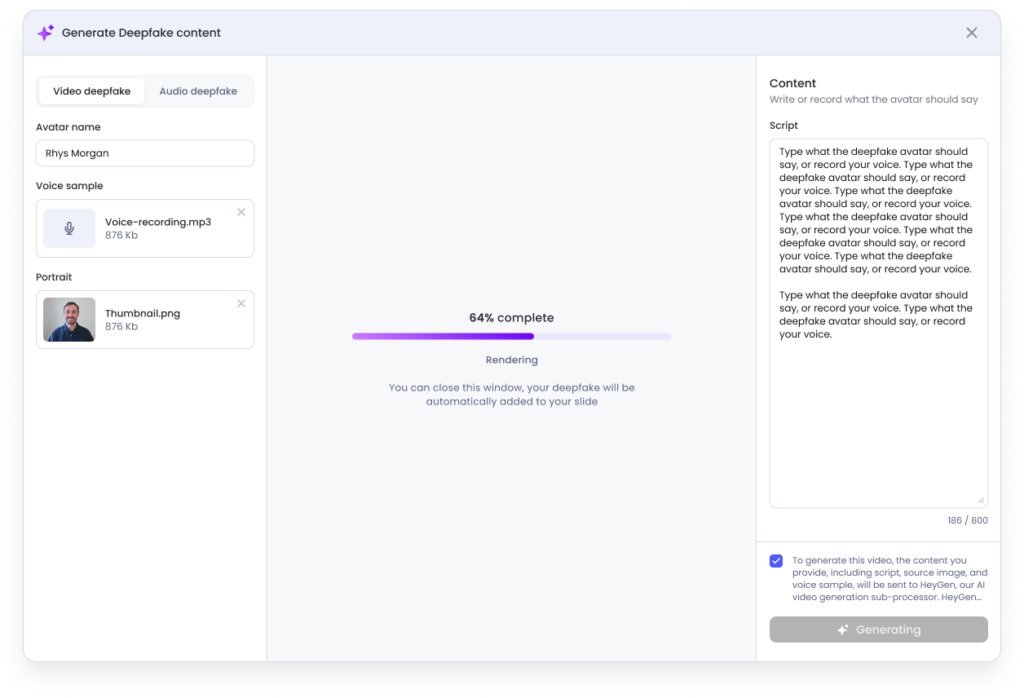
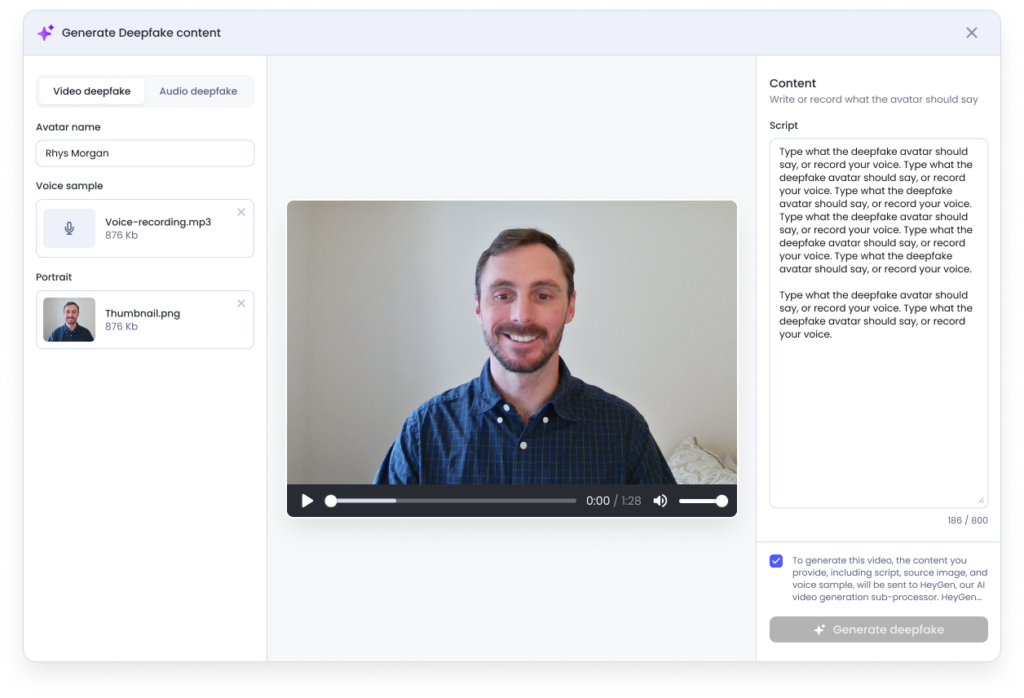
- Enter a prompt describing the scenario (800 characters max).
- Confirm the consent prompt, acknowledging you have the rights to any reference material you’ve uploaded (e.g., a photo or voice sample).
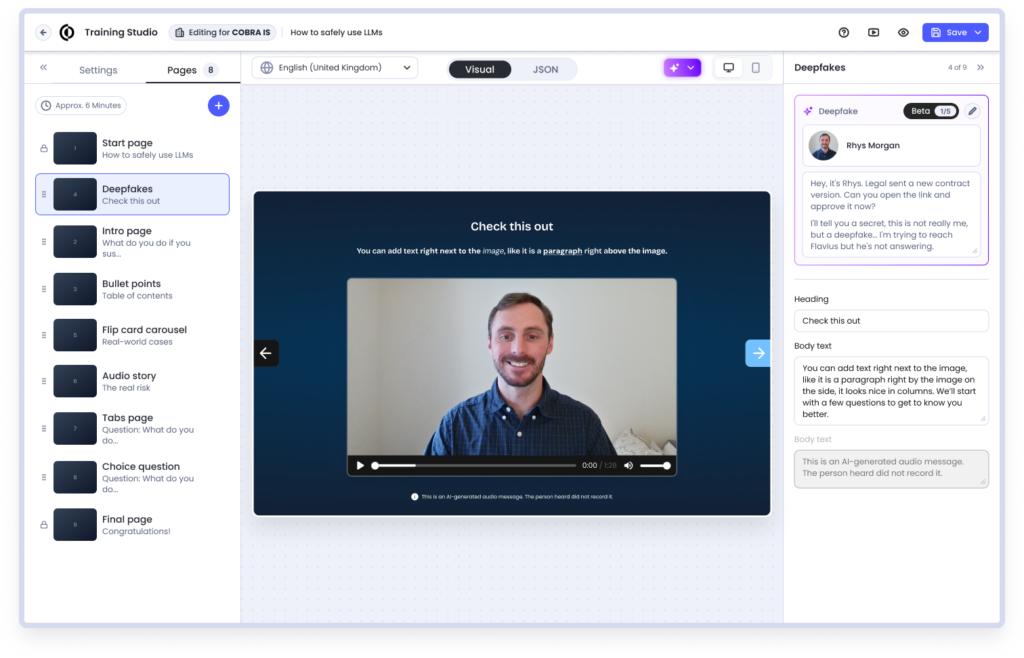
- Generate the scenario.
A deepfake or vishing scenario is embedded directly in the module it was created for — it can’t be copied or reused in another module. Keep an eye on your remaining credits; you’ll get an email and an in-product notification when they run low.