Administrators can cancel campaigns when needed and reopen completed campaigns with updated timelines, making it easy for teams to respond to changing requirements in real time while maintaining full control over their security awareness programs.
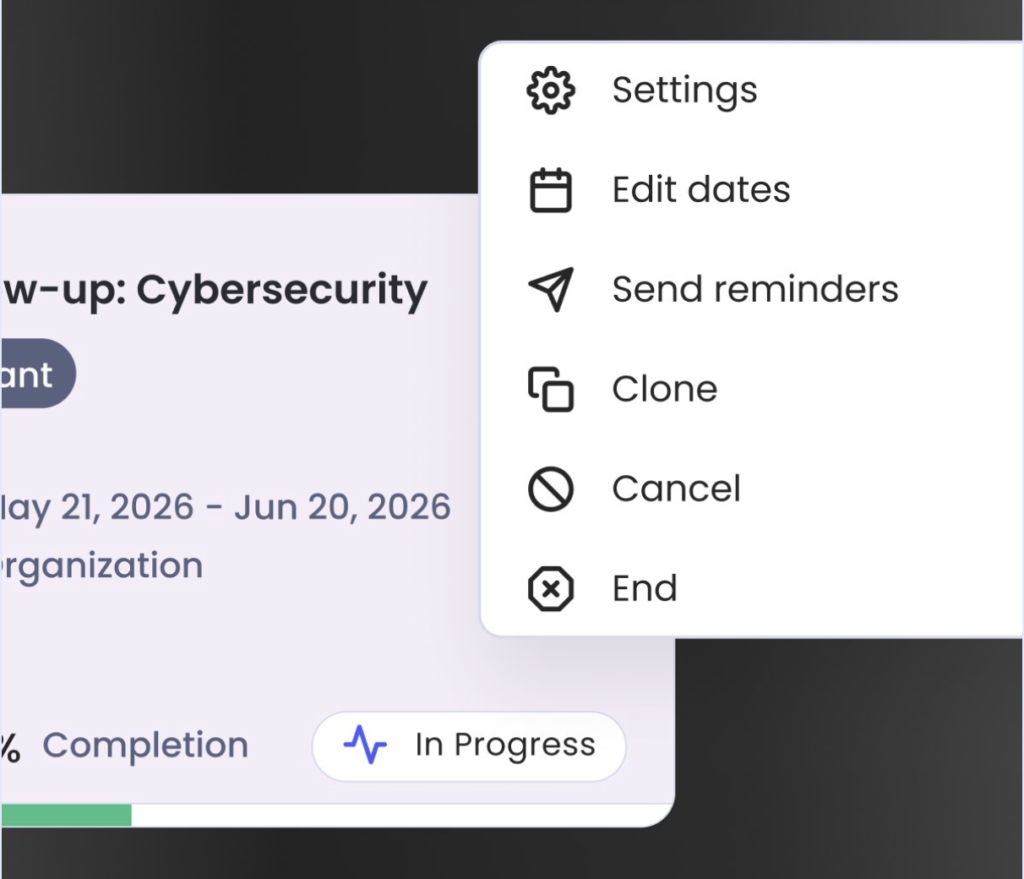
For each live campaign, it is possible to:
- Review the Campaign Settings.
- Edit the campaign dates.
- Send reminders (training campaigns only) to drive up completion rates.
- Clone the campaign to more quickly make a similar campaign (useful after testing).
- Cancel a campaign – this action is irreversible and all campaign data will be permanently discarded.
- End a campaign – this will end the campaign immediately and all emails yet to send will be halted.