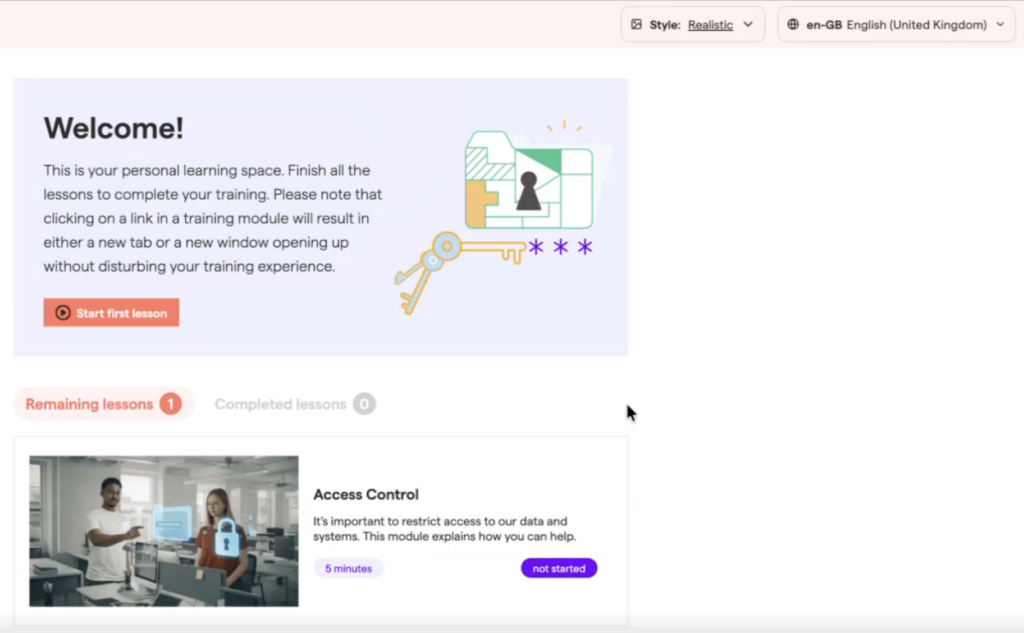
OutThink training is available in two different choices of style: Cartoon and Realistic.
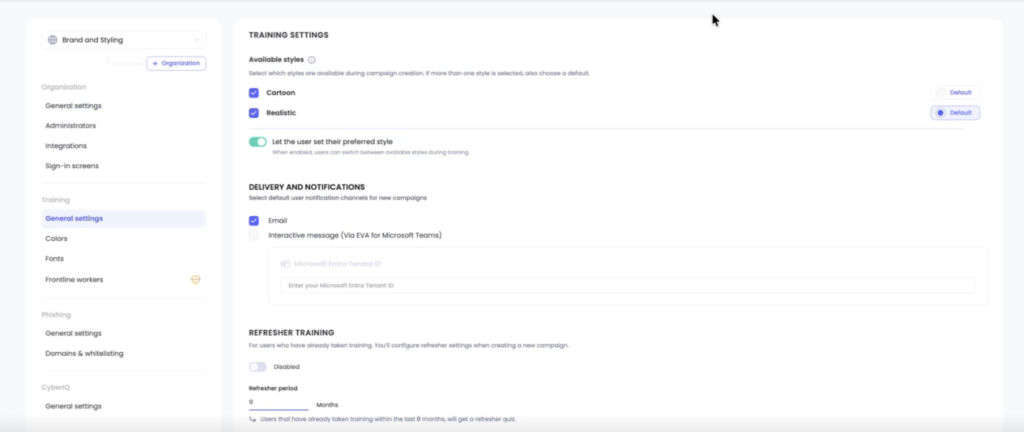
An administrator can set the options available and a default style choice for their organization in Settings –> Training –> General Settings.
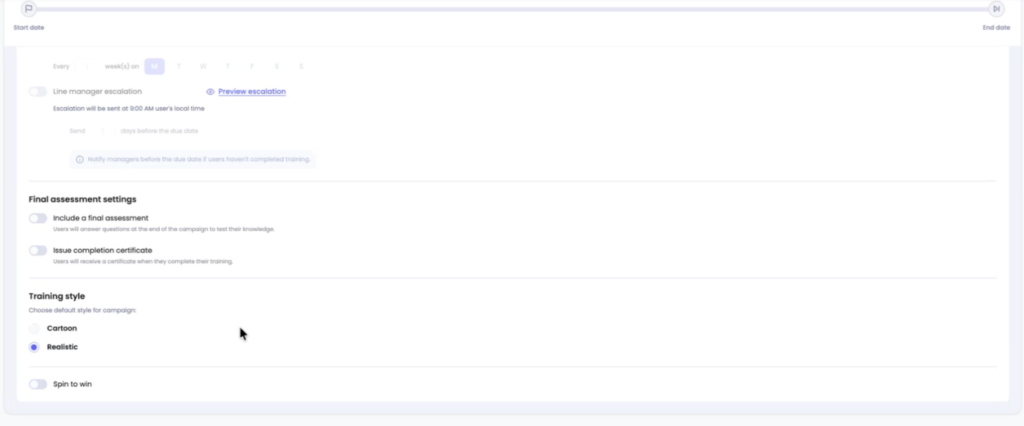
When creating a training campaign, an administrator can also choose to change the style choice from the default as part of the Advanced Settings within Step 4 of the campaign creation process:
Even with the campaign default set, if both Cartoon and Realistic were provisioned as options in the Settings –> Training –> General Settings view, it is possible for each individual learner to pick their training preference from the top menu within a campaign itself: